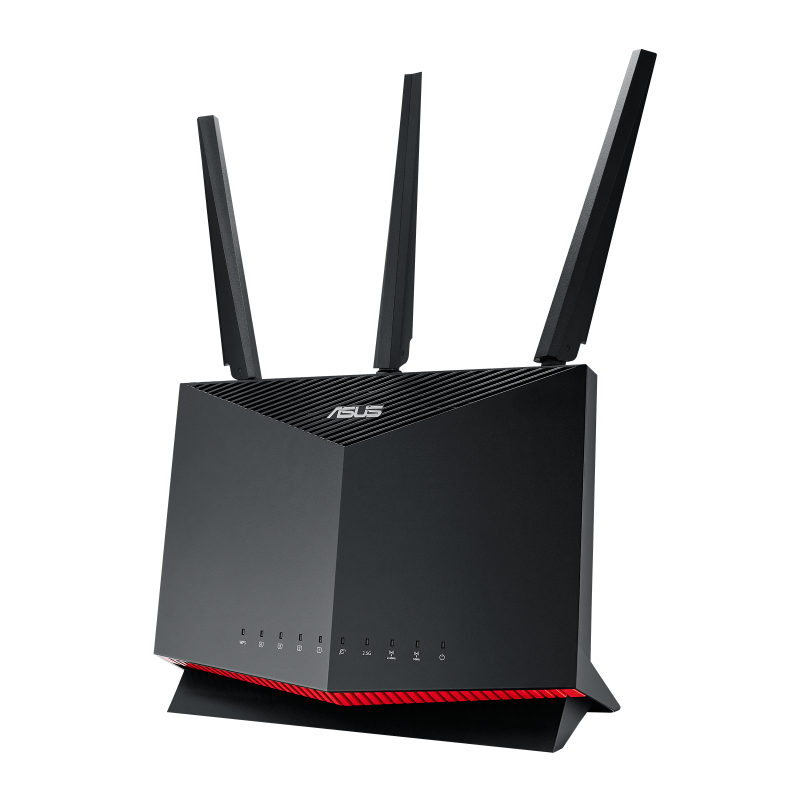
ASUS RT-AX86U
How to Factory Reset the ASUS RT-AX86U Wi-Fi Wireless Router
- Make sure your ASUS RT-AX86U is powered on.
- Locate the factory reset button on the back of the RT-AX86U router, between the WPS button and the power button.
- Using a paper clip or similar pointed object, press and hold the reset button for 5-10 seconds until the power LED begins to flash.
- Release the button and wait 2-3 minutes for the router to fully reboot.
- You can now reconfigure your RT-AX86U using the default credentials below.
NOTE: If the factory (also known as hard) reset button on your ASUS RT-AX86U is too small to push with your finger, try using an object such as the tip of a paper clip.
This is often the best way to press the reset button on ASUS routers.
ASUS RT-AX86U Default Login Credentials
After performing a factory reset, your ASUS RT-AX86U will be restored to its default settings. Use the following credentials to access the router’s admin panel:
- Default IP Address: 192.168.1.1
- Default Username: admin
- Default Password: admin
Open a web browser and navigate to 192.168.1.1 or http://router.asus.com to access the ASUS RT-AX86U setup wizard.
About the ASUS RT-AX86U
The ASUS RT-AX86U (Zaku II Edition also available) is a dual-band Wi-Fi 6 (802.11ax) gaming router with combined speeds up to 5,700 Mbps (4,804 Mbps on 5 GHz + 861 Mbps on 2.4 GHz). It features a 1.8 GHz quad-core Broadcom processor, 1 GB of RAM, 256 MB flash storage, an external antenna array with AiMesh support, four Gigabit LAN ports, one 2.5G WAN port, one USB 3.2 Gen 1 port, and one USB 2.0 port. The RT-AX86U includes ASUS AiProtection Pro (powered by Trend Micro) for network security, Adaptive QoS with gaming prioritization, NVIDIA GeForce NOW optimization, WTFast game accelerator, VPN Fusion for simultaneous VPN and regular connections, and AiMesh compatibility for whole-home mesh coverage.
Specifications
| Manufacturer | Asus |
|---|---|
| Model | RT-AX86U |
| Wi-Fi Capable | Yes |
| Reset Capabilities | Factory Reset, Hard Reset, Soft Reset |

